
Navigation – Web
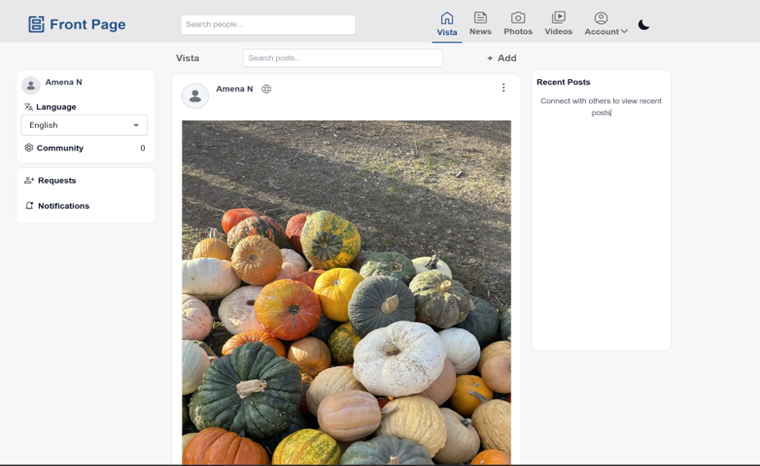
Main Navigation Bar
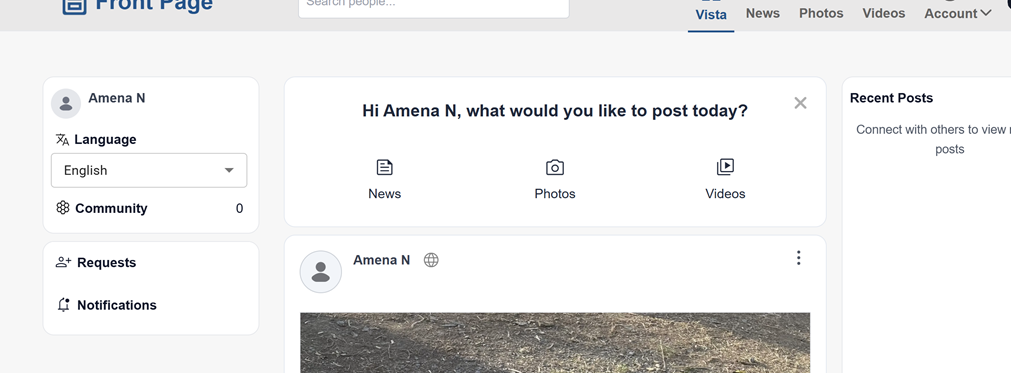
Users can access:
-
Vista – View the main feed
-
News – View news content
-
Photos – Browse photo posts
-
Videos – Watch video content
-
Account – Access profile and account options
Click on any of these options to open that section.
Search
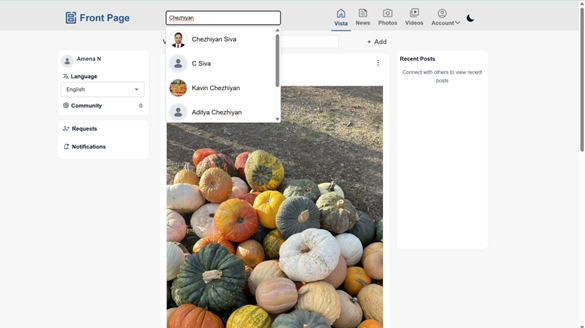
Users can search for people or posts using the search bar.
Steps:
-
Click on the Search bar at the top.
-
Enter a name or keyword.
-
Select a result to open it.
Left Sidebar
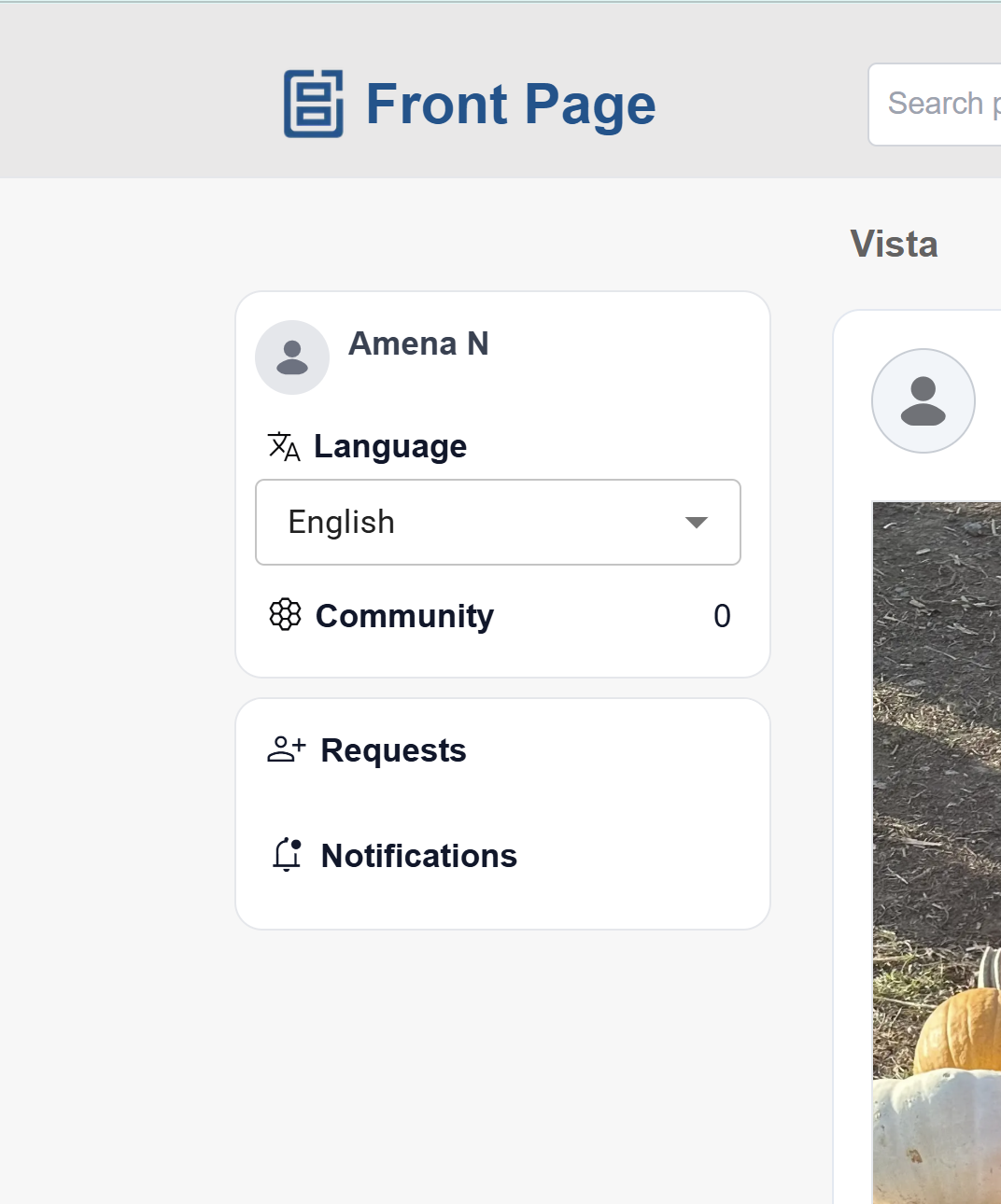
Users can view:
-
Profile name
-
Language selection
-
Community information
-
Requests
-
Notifications
Creating Content
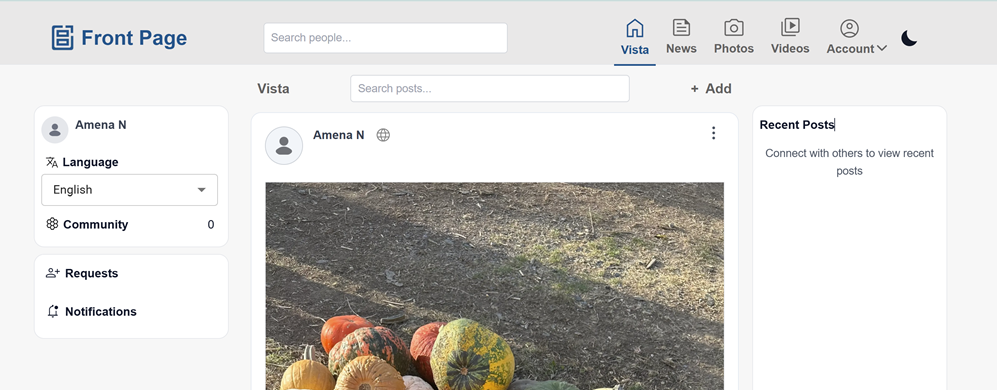
Users can create new content using the + Add option.
Steps:
-
Click + Add at the top.
-
Select the type of content to create.
-
Enter the details and submit.
Viewing Posts
The main content area displays posts from users and communities.
Users can:
-
Scroll to view posts
-
Interact with content
-
Open posts for more details