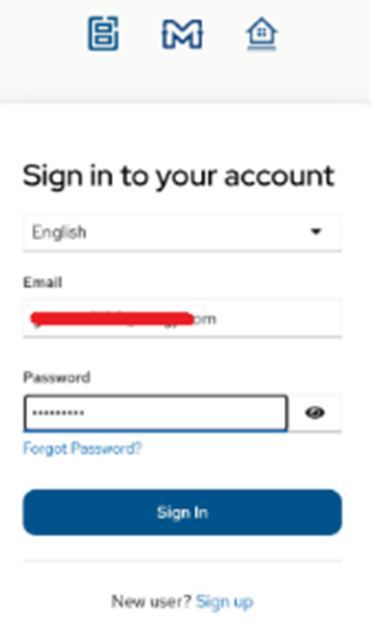
Start Using Front Page in 5 Minutes
Step 1 — Install the app
Android Play Store
Android Play Store – Instructions
1) In Android Play Store, search for “Front Page Social”.
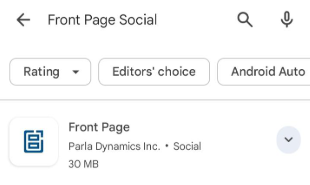
2) Select Front Page – Social from Parla Dynamics Inc.
3) Install the app.
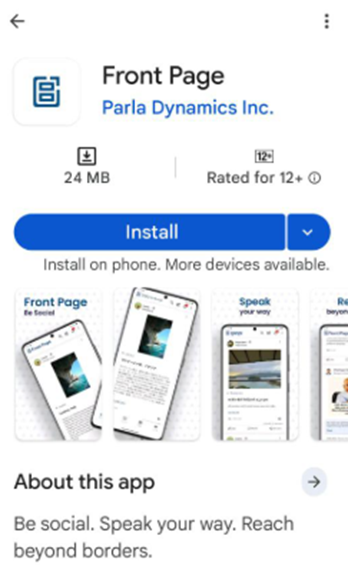
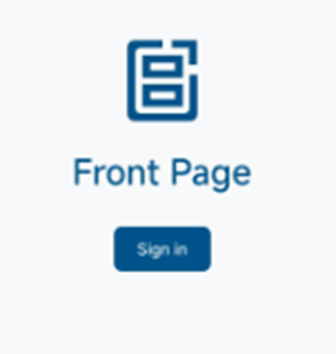
4) After installing the app, when you open, a “Sign In” button is shown, click the button.
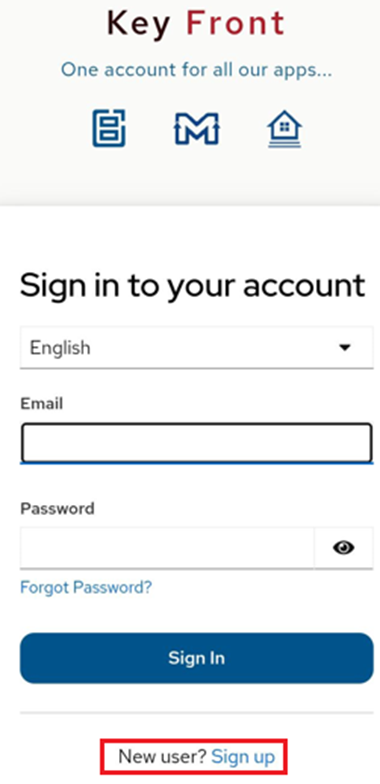
5) A new page opens to allow you to sign in or sign up
6) Click the “Sign up" link.
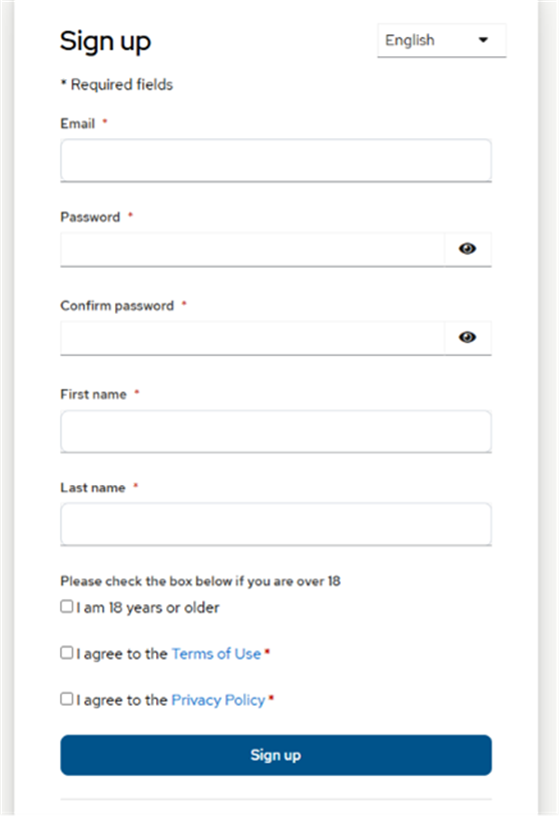
7) A new page opens, to allow you to create an account.
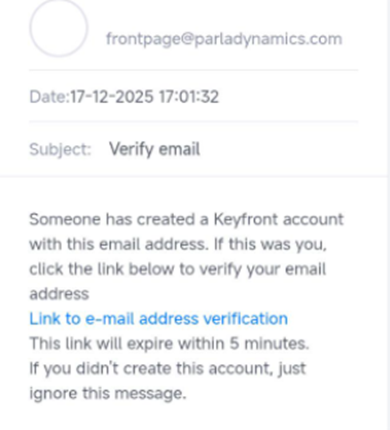
8) Enter a valid email address (a verification email is sent to this address).
9) Enter other fields to create a new account.
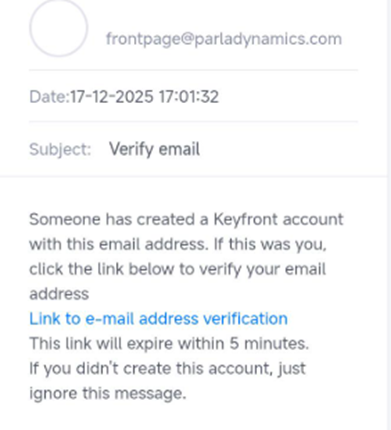
10) Once the email is verified.
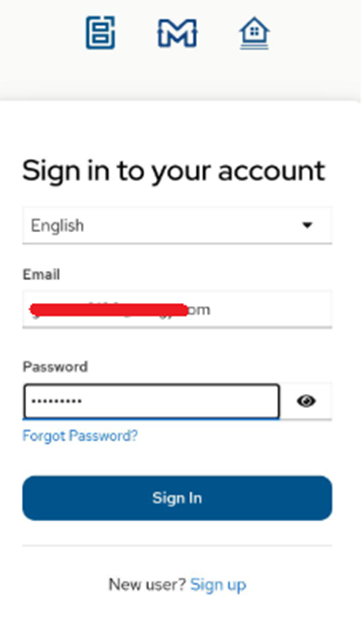
11) Open the app again, and click the “Sign In” button, enter the email address and password to access the application.
Apple App Store
Apple App Store – Instructions
1) In Apple App Store, search for “Front Page Social”.
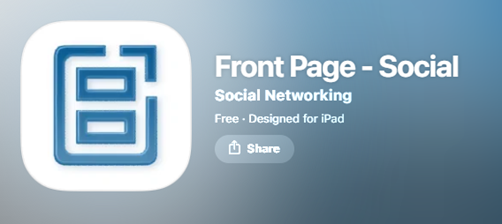
2) Select Front Page – Social from Parla Dynamics Inc.
3) Install the app
4) After installing the app, when you open, a “Sign In” button is shown, click that button.
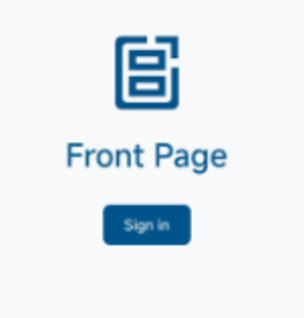
5) A new page opens to allow you to sign in or sign up
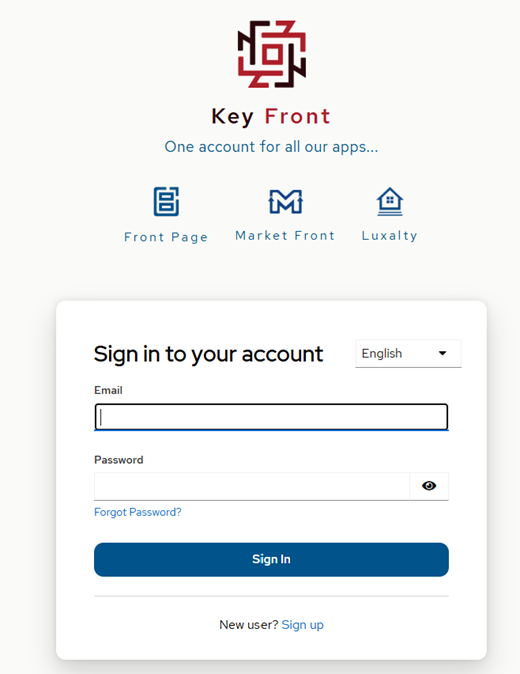
6) Click the “Sign up" link.
7) A new page opens, allowing you to create an account.
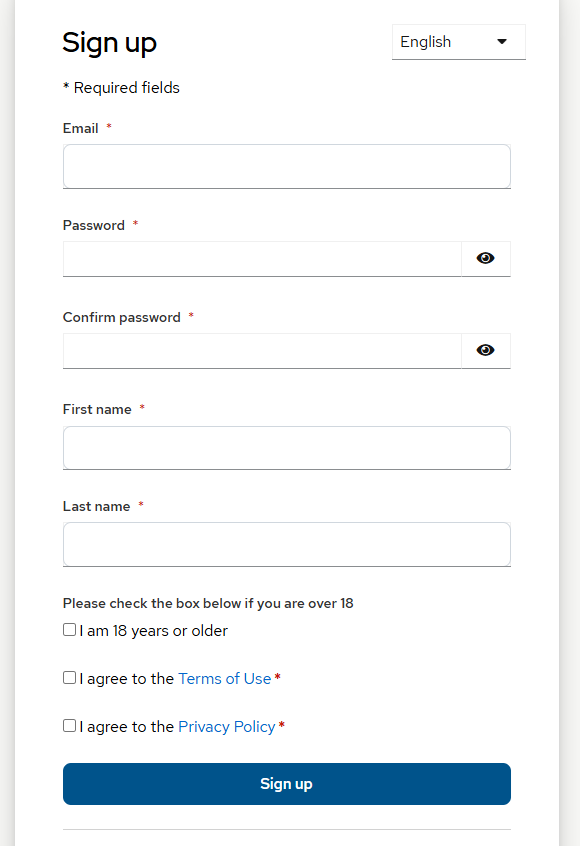
8) Enter a valid email address (a verification email is sent to this address).
9) Enter other fields to create a new account.
10) Once the email is verified.
11) Open the app again, and click the “Sign In” button, enter the email address and password to access the application.