
Viewing Listing Details
This section explains how users can open and review detailed information about a listing on the platform.
Users can access detailed information about any advertisement directly from the Home page or category listings.
Steps to View Listing Details
-
Browse through the available advertisements on the Home page or within a selected category.
-
Click on any advertisement that you are interested in.
-
The selected listing will open on a new page or section displaying full details.
Information Available in Listing Details
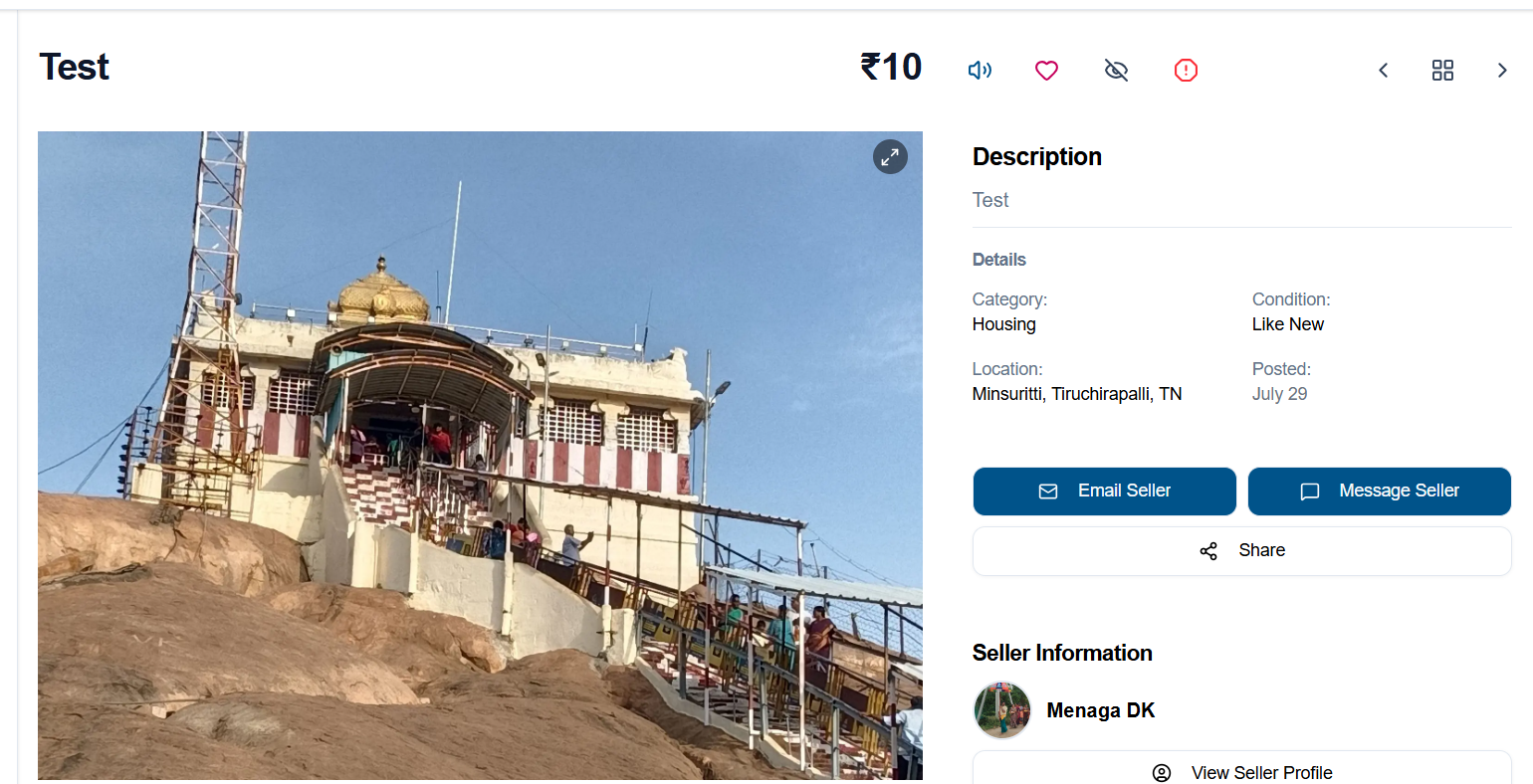
Each listing provides comprehensive information to help users make informed decisions, including:
Title and description of the product or service
Category and condition (e.g., New, Like New)
Price details (if provided)
Images and videos of the product or service
(if available)Seller information
Location of the item or service
- Option
to Email the Seller
- Option to Message the Seller
- Option to share the listing with others
- Safety
Tips
to help users conduct secure transactions - Option to view the
seller’seller's profile - Similar
similaritemsitems.related to the selected listing
Additional Options (For Signed-In Users)
-
Like or save the listing for future reference
-
Block the user if you do not wish to interact with them by tapping on View Seller Profile
- Contact seller: users can contact sellers through email regarding products or services listed on the platform. This feature enables secure and convenient communication between buyers and sellers.
- Hide User:
Users can hide advertisements from particular users if they do not want to view their listings. The hidden advertisements can later be viewed and unhidden through the profile page. - Report Option:
Users can report advertisements that contain inappropriate, misleading, suspicious content or other unwanted content. Reported items will be reviewed by the platform administration for necessary action.
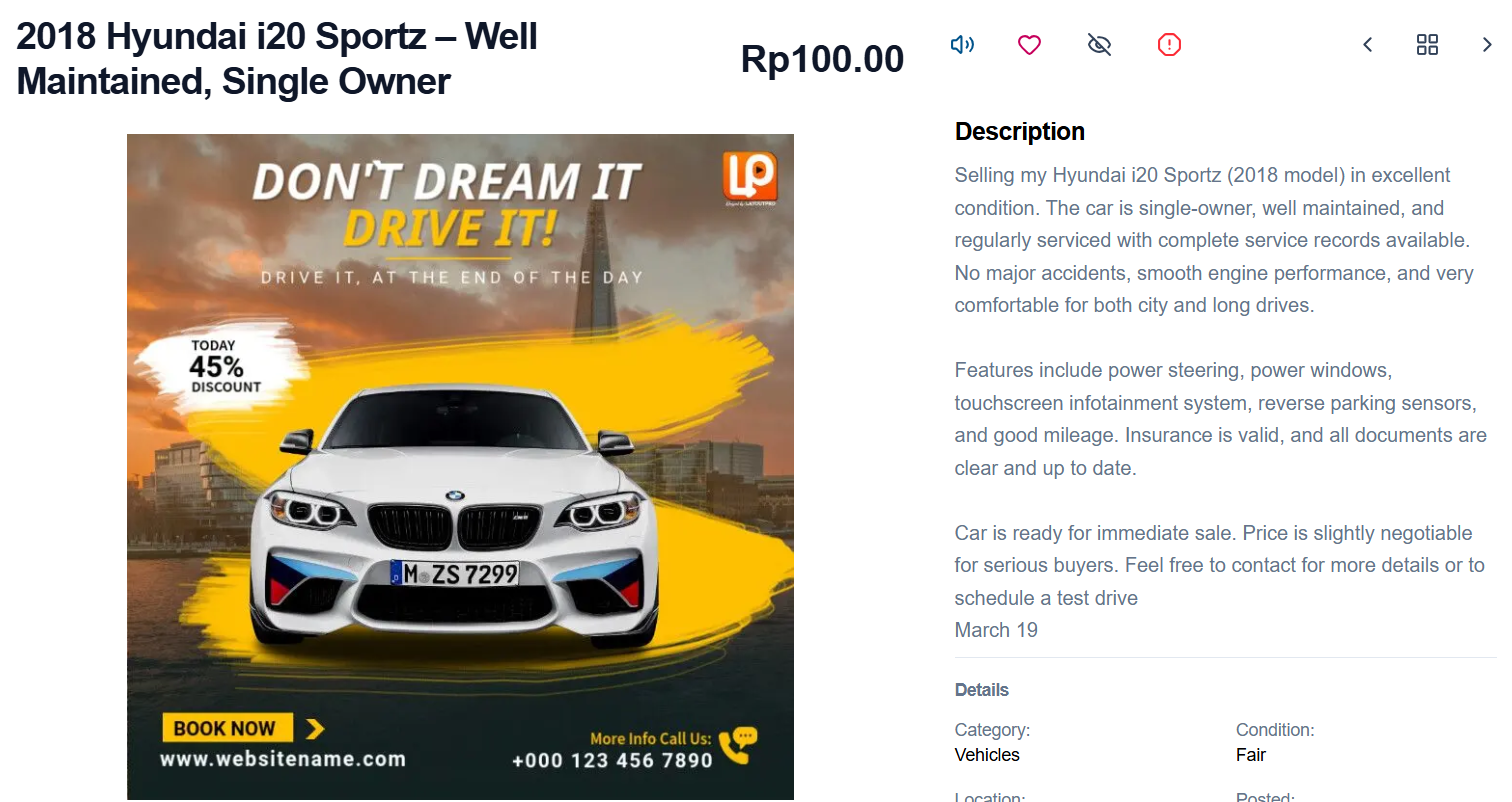
The detailed view allows users to better understand the listing and evaluate whether it meets their requirements before taking further action.
Overall, this feature ensures transparency and provides all necessary details for a smooth buying experience.