
Navigation – Mobile
Main Navigation Menu
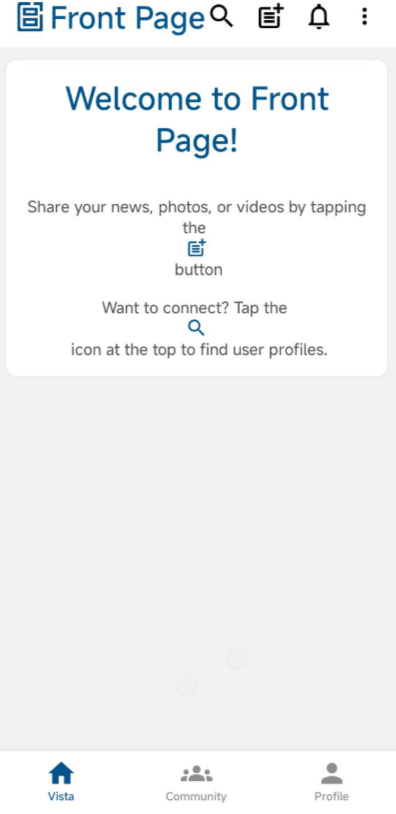
The mobile application provides a navigation menu that allows users to switch between different sections of the platform.
Users can access:
- Vista – View the main feed.
- Community – View community feeds from joined and created communities.
- Profile – Update profile details, view own posts, and manage hidden posts.
Menu Options
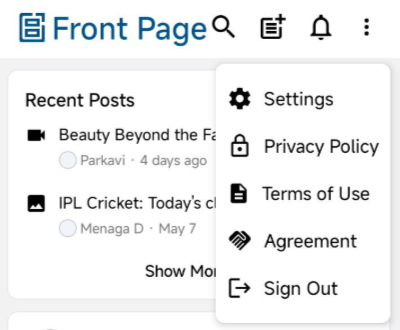
Additional options are available through the menu.
Steps:
- Tap the three dot menu icon (☰).
- Select the required option.
Available Options:
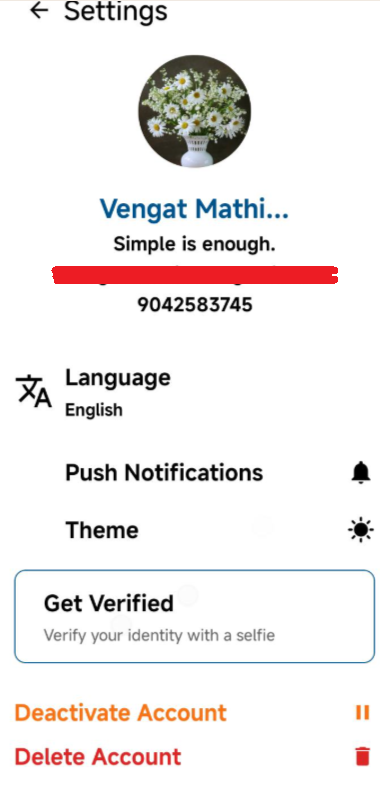
- Settings
- Change app language
- Turn push notifications on or off
- Change theme (Light or Dark mode for the Front Page app only)
- Get Verified (verify account using selfie verification)
- Deactivate account
- Delete account
- Privacy Policy
- Terms of Use
- Agreement
- Sign Out
Using the Search Function
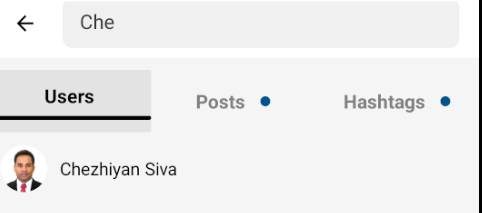
Users can search for people or content within the app.
Steps:
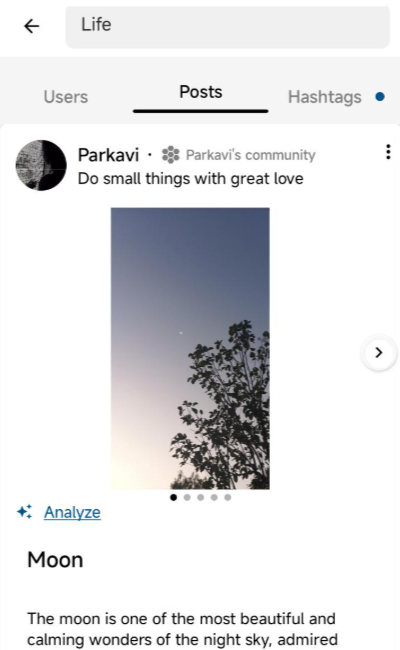
- Tap the Search bar.
- Enter a name or keyword in user search to search user and send connect request them.
- Tap a result to open it.
- Post search and hashtag search will display related keyword or hashtag posts.
Notifications
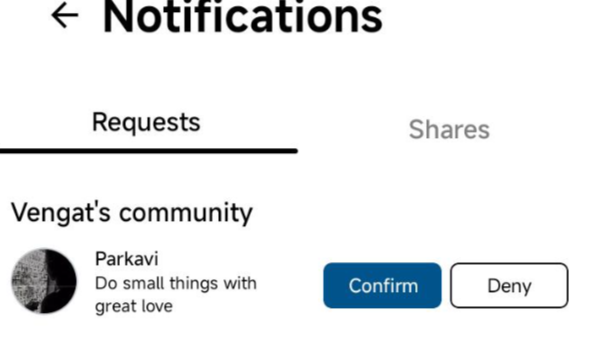
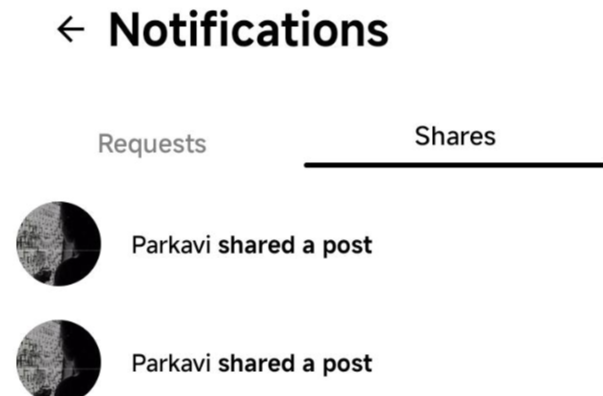
Users can view updates and activity through notifications.
Steps:
- Tap the Notifications icon.
- View:
- Connection requests
- Post shares

Viewing and Interacting with Posts
The main screen displays posts from users and communities.
Users can:
- Scroll to view posts
- Tap posts to open them
- Interact with content
Community Page
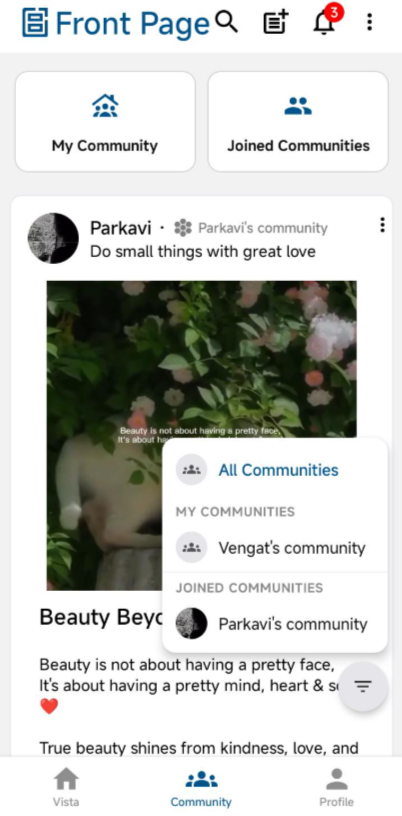
Community posts appear in this section.
Users can:
- Filter a specific community to view only that community’s posts
- Scroll to view posts
- Tap posts to open them
Community Sections
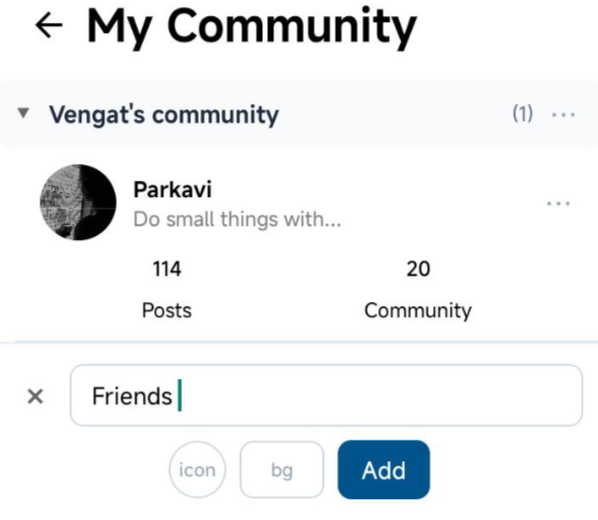
- My Community –
The default system-generated community created using the user’s first name.
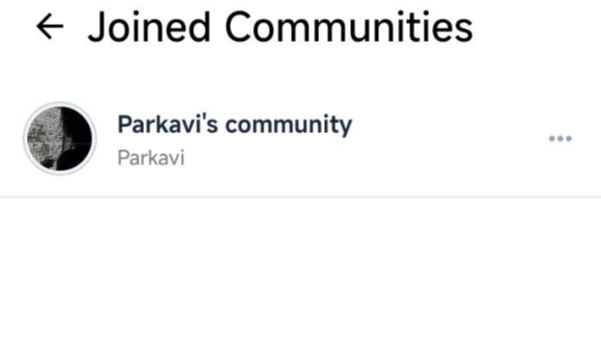
Users can also create additional communities that other users can join to view community posts. - Joined Community –
Displays the list of communities joined by the user.
Post Interaction
Posts opened from:
- Vista
- Community
- User Profile
- Post Search
- Hashtag Search
will open the Post Detail page.

Users can:
- React to posts
- Add comments and replies
- Share posts within the app or through external applications
No comments to display
No comments to display